Want people to find you on Instagram without spelling out your handle letter by letter? An Instagram QR code is exactly that: a little square that opens your profile page the moment it's scanned. Someone points their phone, your Insta page opens, they hit follow. Zero friction, zero typos. It's the shortest bridge between meeting someone in real life and connecting online.
Why a QR code beats sharing your @handle
Saying your handle out loud is the surest way to lose a follower: it gets misheard, misspelled, or lands on the wrong lookalike account. A QR code fixes all of that:
- Instant: one scan, your page opens, done.
- Reliable: no typing errors, it's always the right profile.
- Universal: every smartphone scans a QR natively, no app to install.
- Everywhere: on a story, a business card, a shop window… or right on what you're wearing.
How to generate your Instagram QR code
The easiest route starts inside the app itself: in Instagram, open your profile menu, tap “QR code,” and you get a code others can scan. Handy for a quick share right off your screen.
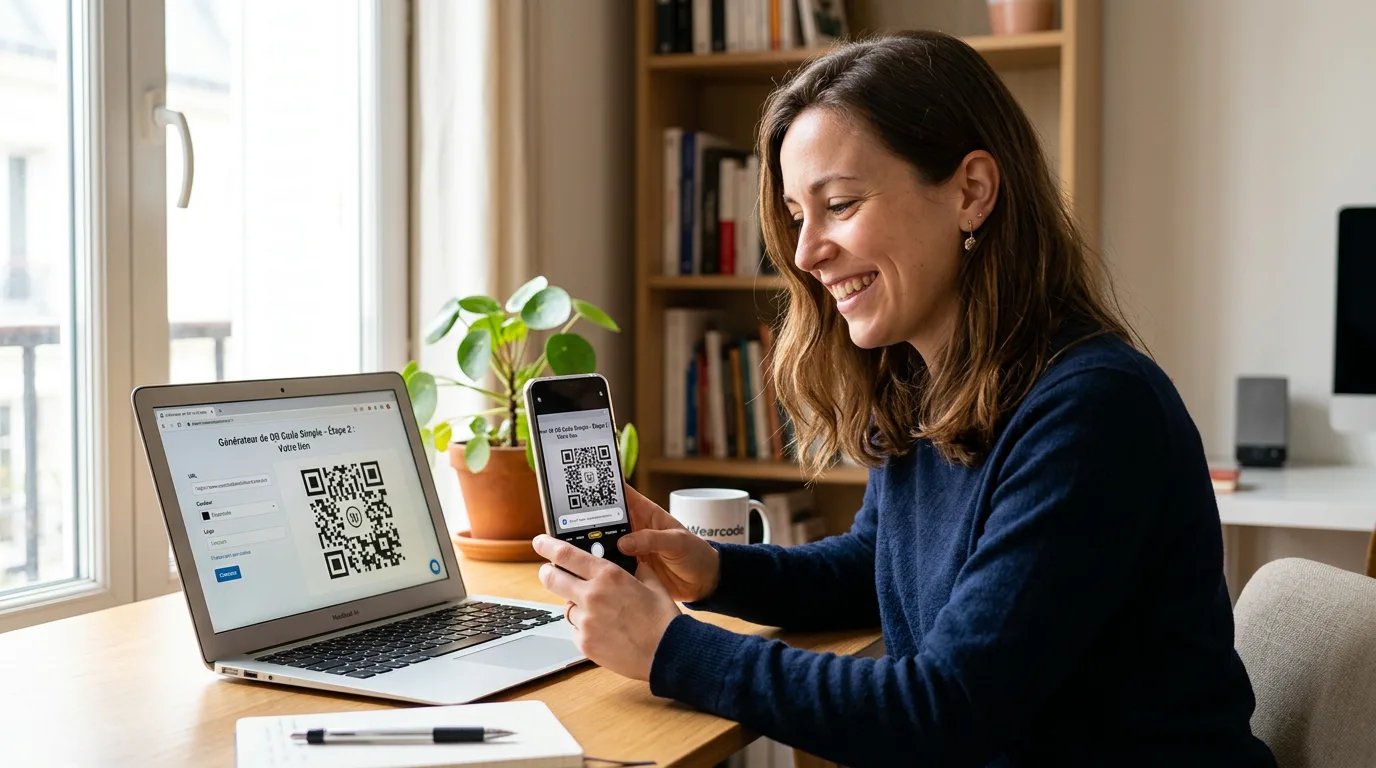
The catch? That QR lives inside your phone. The moment you want to print it, display it, or wear it, you'll use a generator that encodes your instagram.com/your-handle link into an image. And that's where a real question comes up: static or dynamic?
Static vs. dynamic QR code: the real difference
A static QR code hard-codes your link. If it points to your Instagram profile and you ever change your handle, the code goes dead. A dynamic QR code points to a page in between that you control: you can change the destination whenever you like, without reprinting a thing. That's what makes a QR built to last actually worth something.
The Wearcode QR: a profile page, not just an Insta link
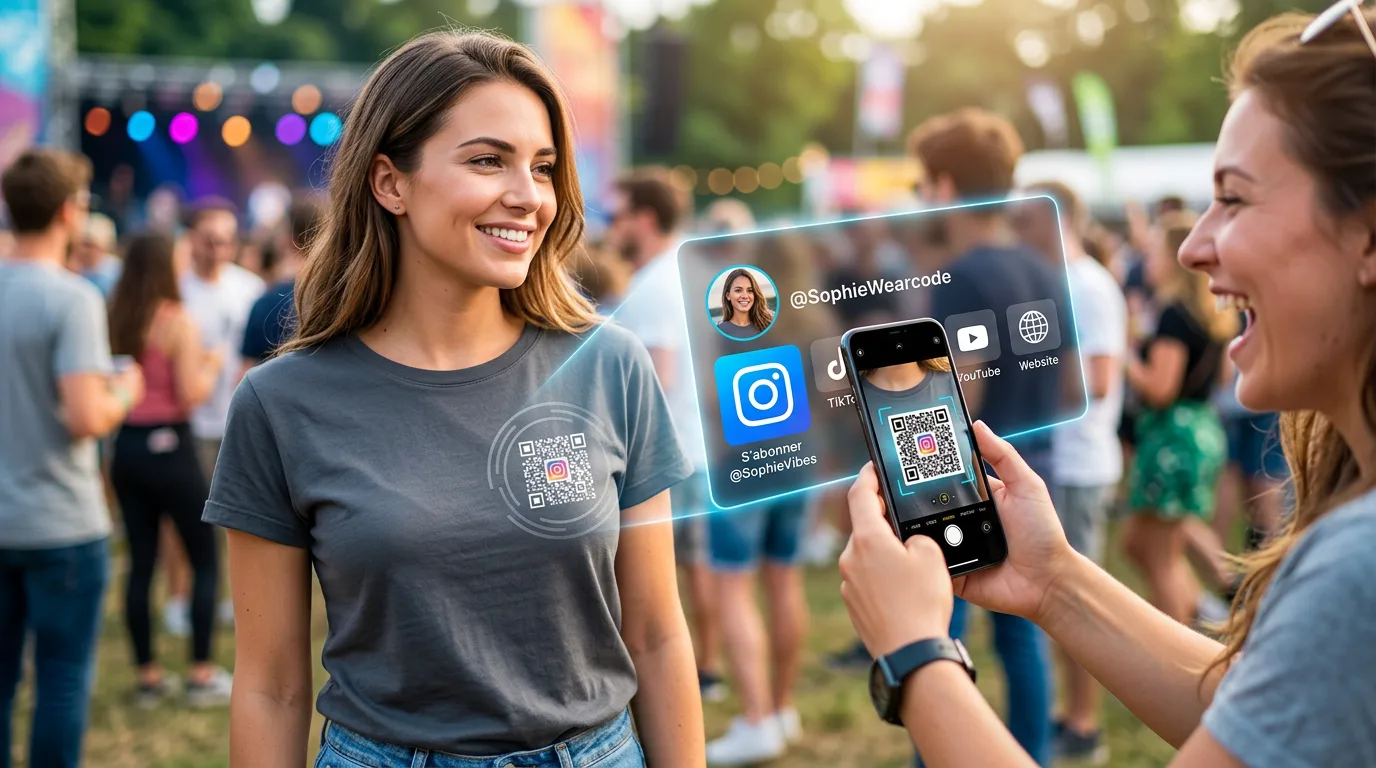
At Wearcode, we go further than a plain link to Instagram. Your QR opens your Wearcode profile page: a little hub in your name where you gather all your networks — Instagram front and center, but also TikTok, your channel, your site, whatever you want. Scan you once, find you everywhere. And since it's dynamic, you can rearrange your links anytime: the QR itself never changes.
What if you wore your Instagram QR?
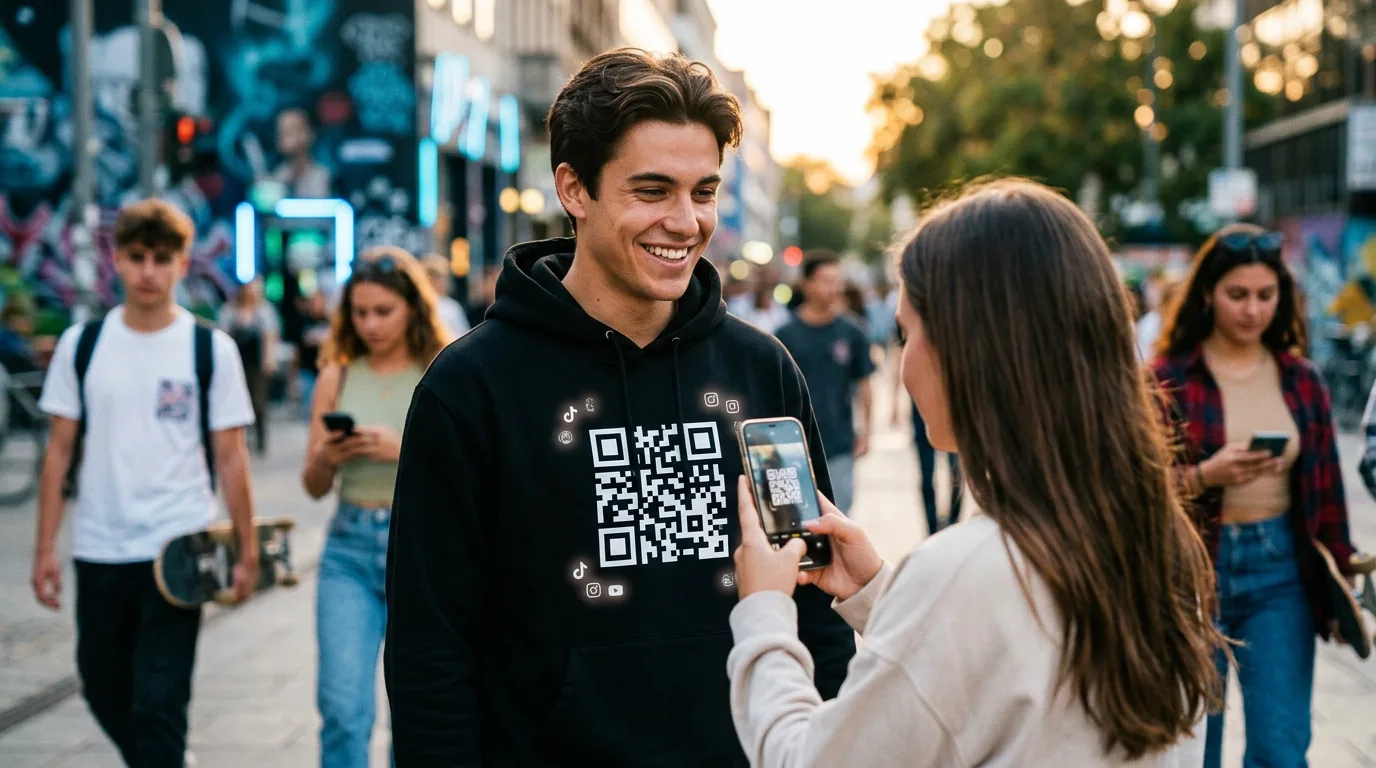
This is where Wearcode changes the game. Your QR code is printed on a t-shirt, a hoodie or a cap, and it opens your own hosted page: your Instagram up top, your other links right below. At a party or a concert, people scan it right off you, and they're one tap away from following you. Change your links whenever you like, without ever reprinting.
Explore the Wearcode shop and pick the piece that'll carry your Instagram.